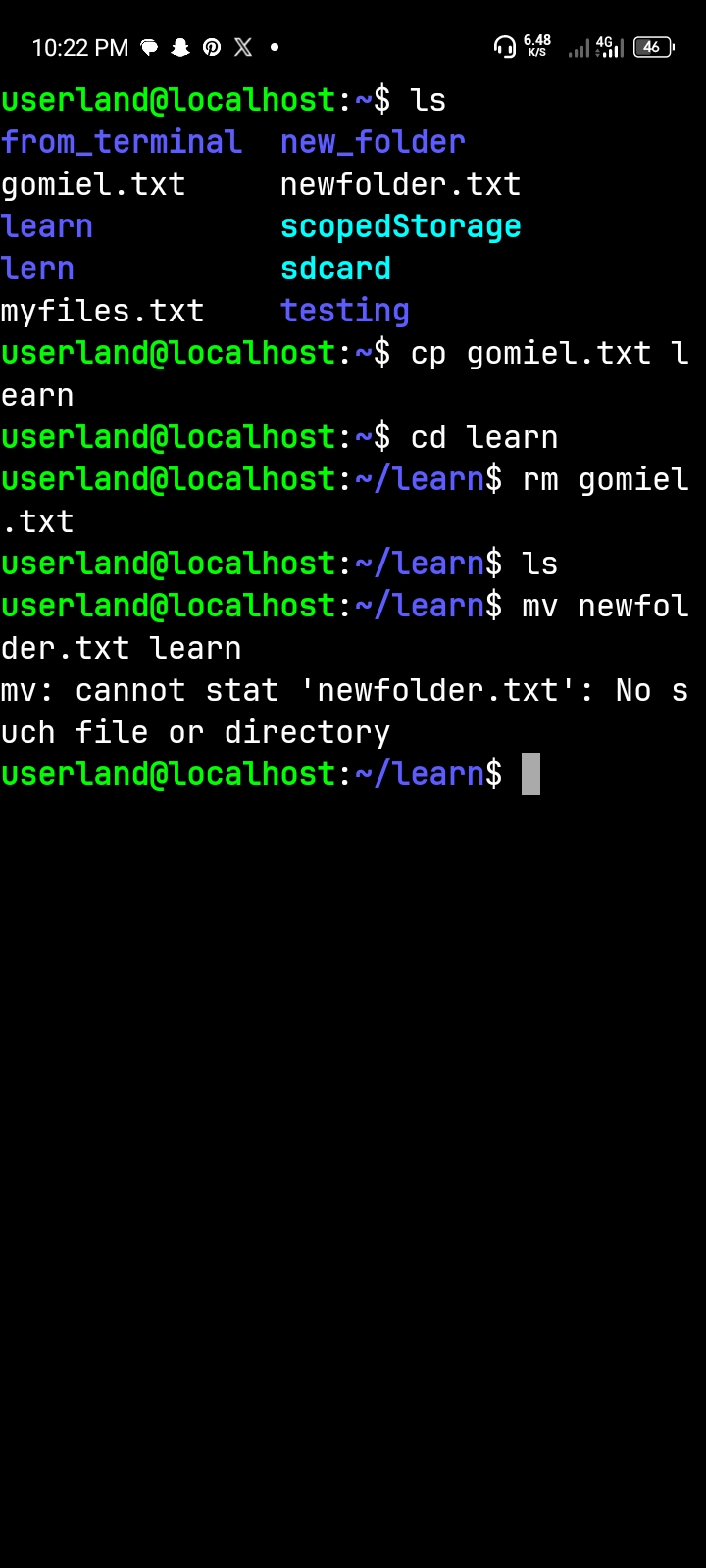
Practicing file operations in the terminal
Today, I learned how important file management is when working with the Linux terminal. Practising the "cp", "
and "rm" commands helped me understand how to manage files and directories more efficiently using simple terminal instructions.
One major lesson I learned was the difference between these three commands. The "cp" command is used to copy files and directories, while "mv" is used to move files from one location to another or rename them. On the other hand, "rm" is used to delete files and directories. I also learned that the "-r" flag allows these commands to work with directories and their contents recursively.
This exercise improved my confidence in using the terminal and helped me appreciate how Linux makes file management faster and more flexible. I also realised that understanding command-line operations is an important foundation for anyone learning software engineering.
My biggest takeaway: Every command has a specific purpose, and knowing when and how to use it makes working with Linux much easier. This is another step forward in my software engineering
#mv #linux #learned #rm #cp