My First File in Vim
My first file on vim
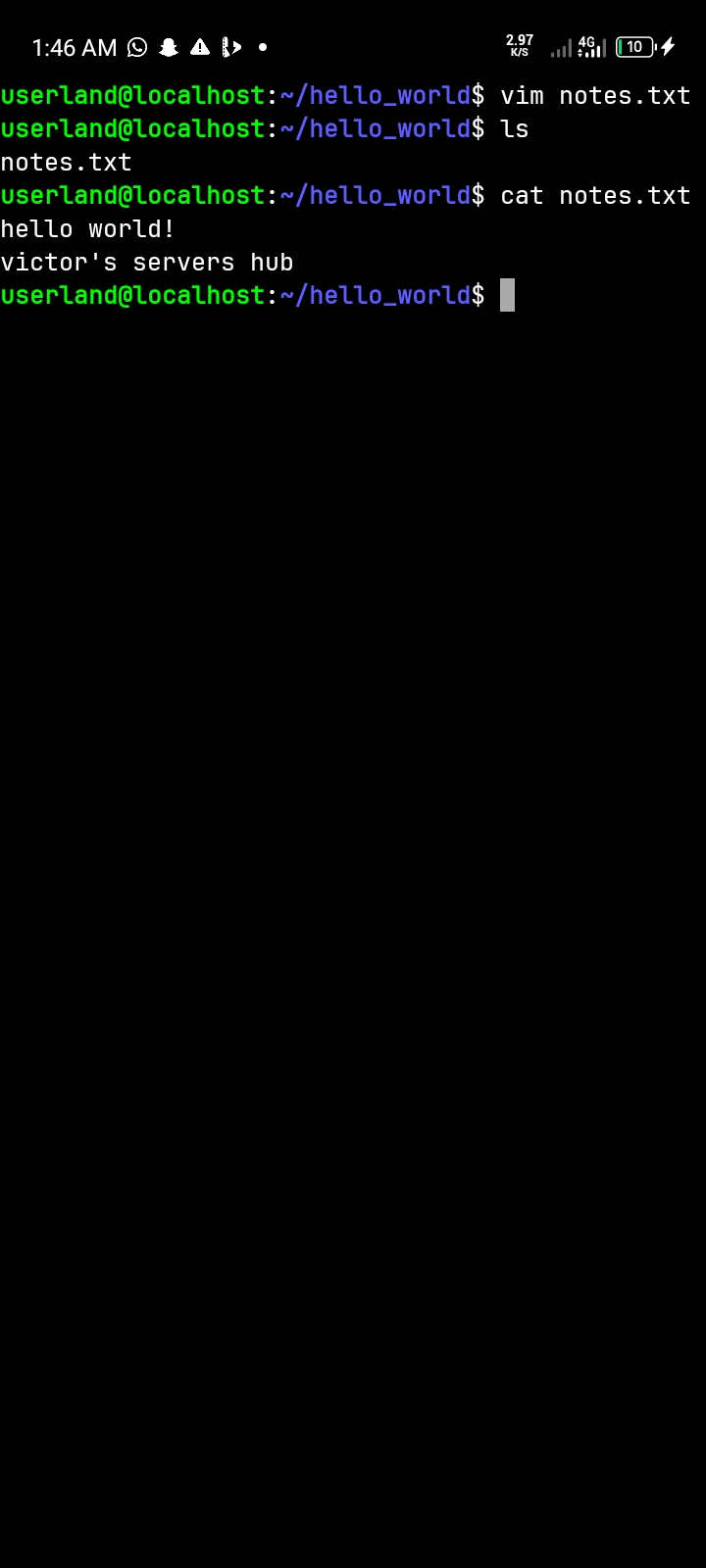
Today, I completed my practical exercise on creating and saving a file using Vim in Ubuntu.
Steps I followed:
I opened the terminal and typed vim filename.txt to create a new file.
I pressed i to enter Insert Mode, where I could type and edit text.
I wrote at least three lines of text inside the file.
I pressed Esc to return to Command Mode.
I typed :wq and pressed Enter to save the file and quit Vim.
Finally, I used cat filename.txt to display and confirm the contents of my saved file.
What I Learned:
I learned that Vim has different modes that perform different functions. Insert Mode allows me to enter text, while Command Mode allows me to execute commands and manage the file. I also learned how to save and exit Vim using :wq and verify saved content using the cat command.
Conclusion:
This practical improved my understanding of file creation and basic text editing in Ubuntu. I am gradually becoming more confident using the Linux terminal.
#Vim #InsertMode #Ubuntu #WhatILearned