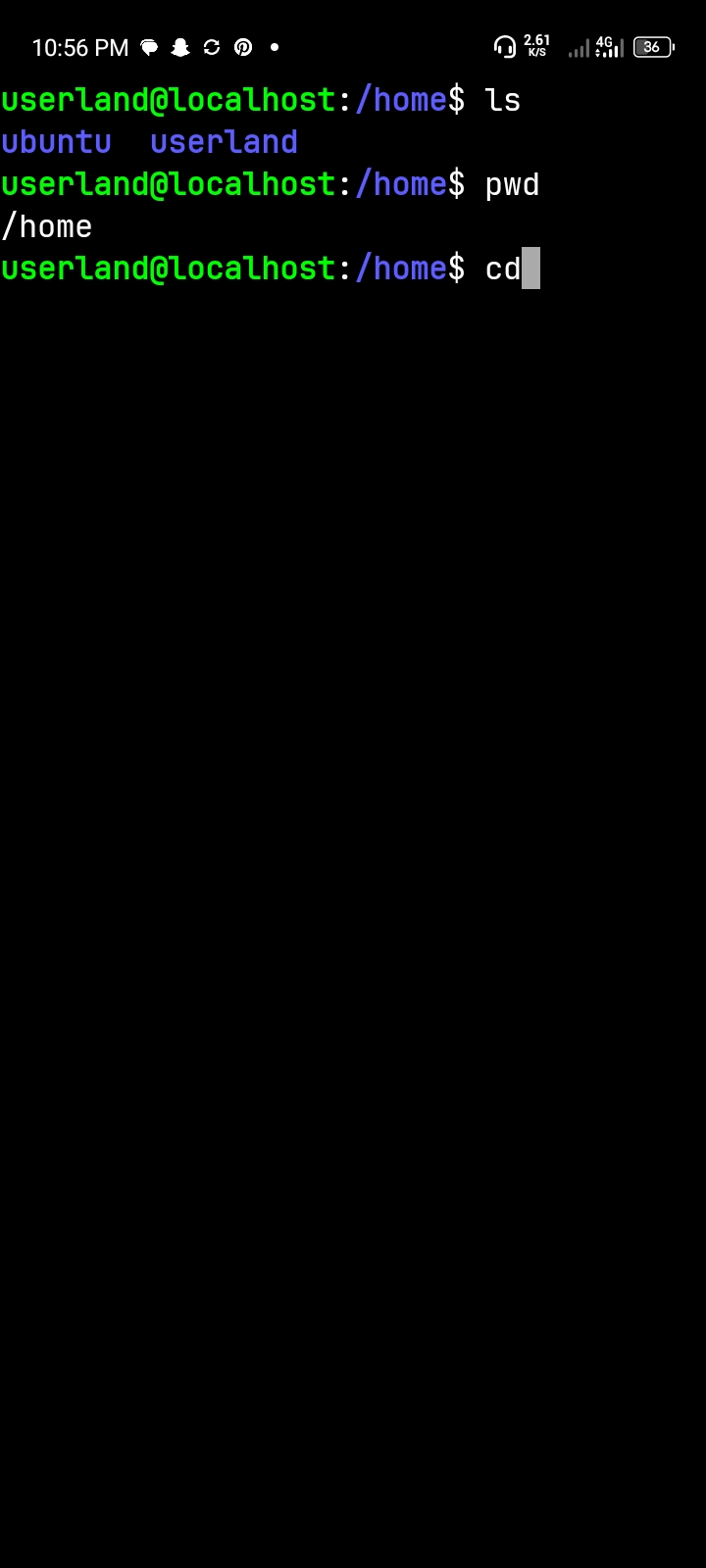
Finding my way round the terminal using the command cp ls and pwd
In this practical exercise, I learned how to navigate the Ubuntu terminal and understand how the Linux file system works. I used different terminal commands to display my current location, list all files (including hidden files), move between directories, and return to my starting location.
The pwd command means Print Working Directory. It displays the full path of the directory I am currently working in.i used it to display my current location.
The -a option displays hidden files, while -l displays detailed information.The ls command displays the contents of a directory. The -a option displays all files, including hidden files, while -l provides detailed information about the files and directories.
Conclusion and personal reflection:
This practical exercise helped me develop a better understanding of the Ubuntu terminal and Linux file-system navigation. I learned how to identify my current location, view files and hidden directories, navigate through different directories, and return to my starting point.
I also discovered that every file and directory has a path that helps the operating system locate it. I now understand the importance of commands such as pwd, ls, and cd when working with Linux.
Overall, this exercise improved my confidence in using the command line and gave me a foundation for learning more advanced Linux commands.