
Editing My First File In Nano
Nano is beginners friendly I was able to create a file in seconds
Its fast,reliable to use and can keep me on track the editor is simply better.
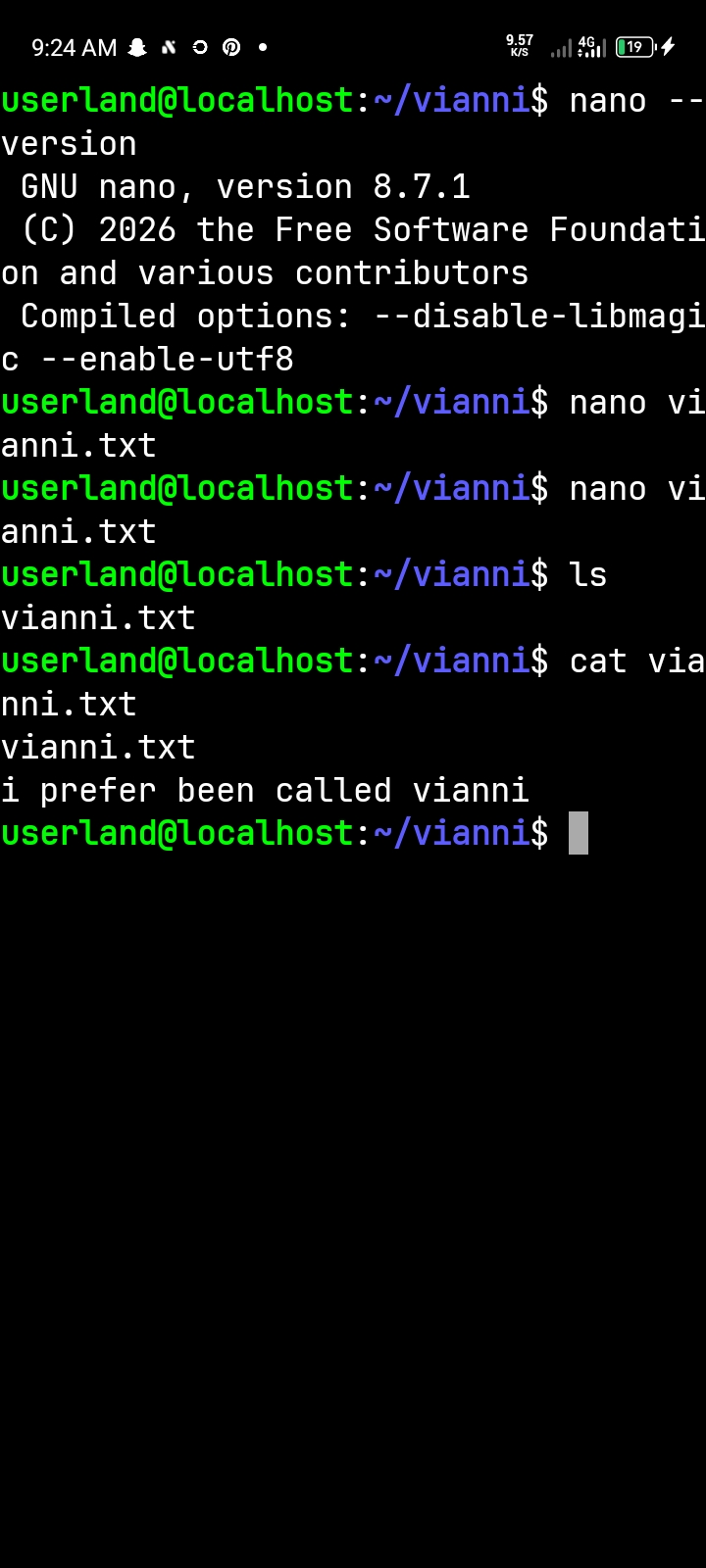
I successfully completed my practical on editing a file using the Nano text editor in Ubuntu. I learned how to create a file, write multiple lines, save it using Ctrl + O, and exit using Ctrl + X. I also used the "cat" command to confirm that my file was saved correctly.
I learned that Nano is a simple and useful terminal-based text editor. Unlike graphical editors, Nano allows me to create and edit files directly from the terminal. This practical improved my understanding of Linux file management and basic terminal operations
#nano #learned
nanolearned
37
No comments yet. Be the first to comment.