Comparing Vim and Nano
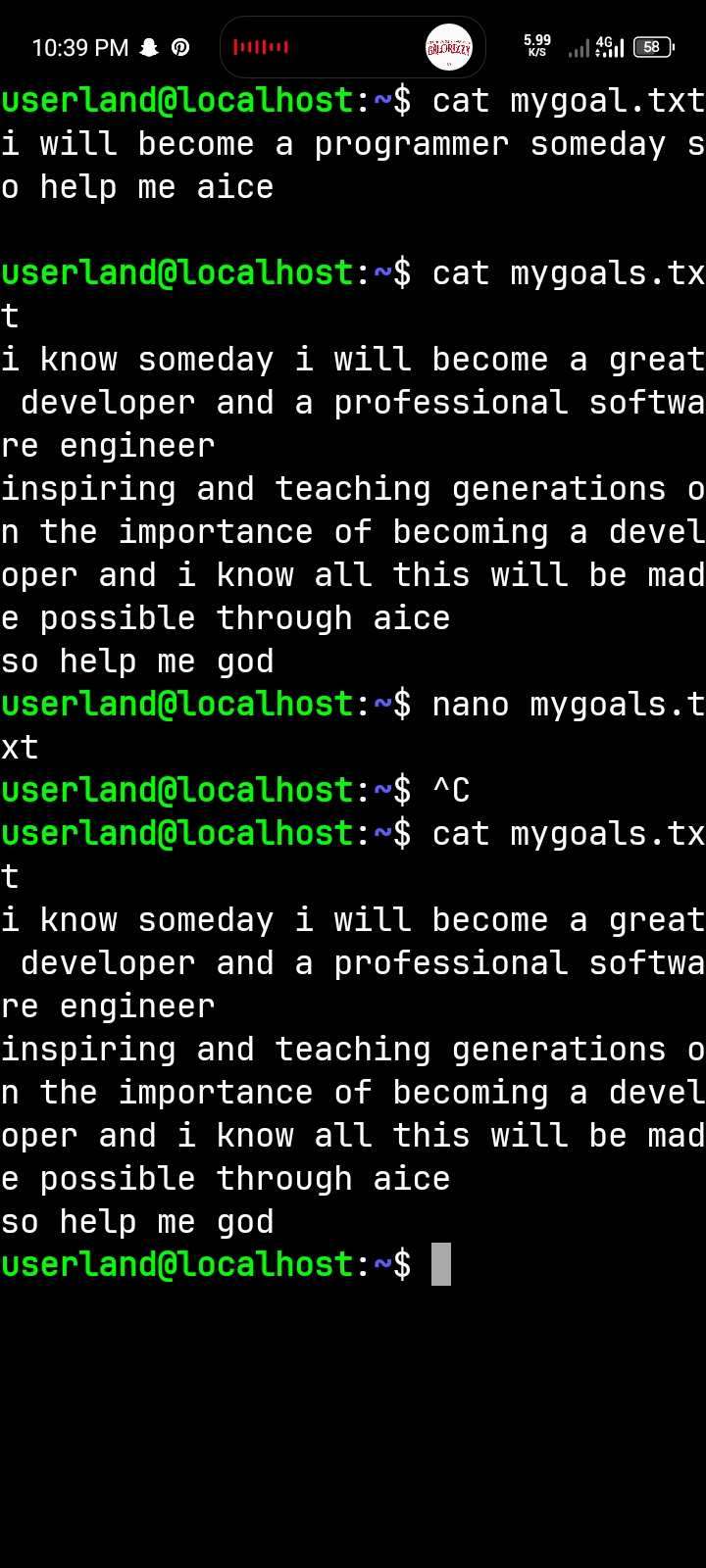
During this practical, I learned how to use two different text editors in Ubuntu: Vim and Nano. I used both editors to write my goals as a developer and saved my work in text files.
My goal as a developer is to become a skilled software engineer who can create useful applications, solve real-world problems, and develop innovative solutions through programming.
I learned that Nano is simple and beginner-friendly because it displays its commands on the screen, making editing easier. Vim, on the other hand, has different modes and keyboard shortcuts that make it powerful and efficient once you understand how it works.
In terms of speed, Vim can be faster for experienced users, while Nano is more comfortable for beginners. Nano is suitable for quick editing, whereas Vim is useful for advanced editing and working efficiently in the terminal.
Overall, I learned that both Vim and Nano are important tools for developers. This practical improved my confidence in using Ubuntu, editing text files, and working with terminal commands. It was a valuable learning experience as I continue my journey towards becoming a software engineer.
#Vim #Nano #Learned