
My Terminal Looks Right
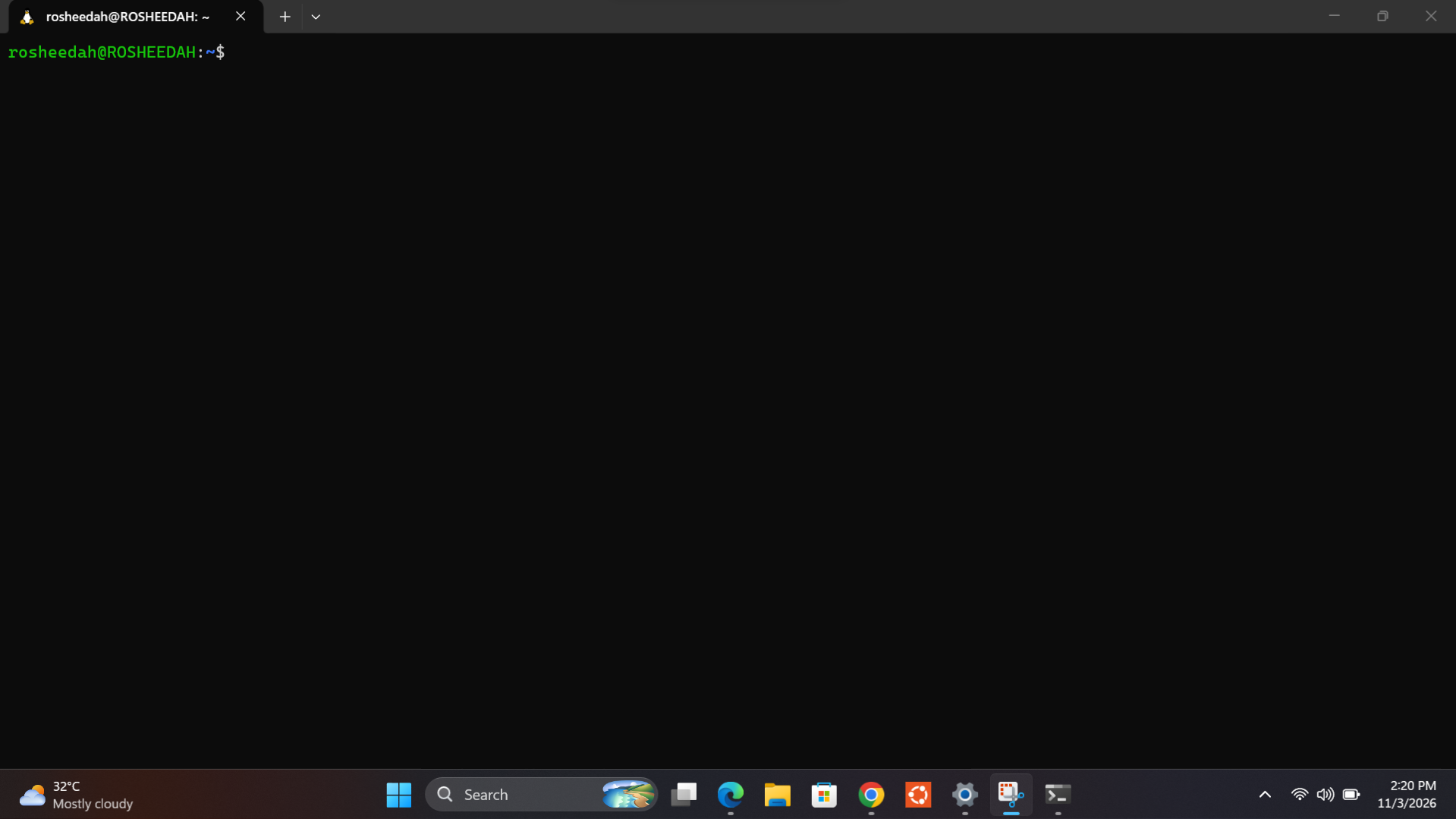
I have successfully set Ubuntu as my default terminal profile in Windows Terminal.
Initially, I wasn't sure how to change the default profile, but after exploring the settings and getting some guidance, I discovered that Ubuntu was already available as one of the terminal profiles. I selected Ubuntu as my default profile, and it now opens automatically whenever I launch Windows Terminal.
Through this task, I learned what a default terminal profile is, how to change it, and how Windows Terminal allows users to switch between different command-line environments.
Having Ubuntu as my default profile makes it easier to access my Linux environment without having to select it manually every time.
My terminal is now set up and ready for use!
74
No comments yet. Be the first to comment.