
My First File in vim
My Experience Using Vim
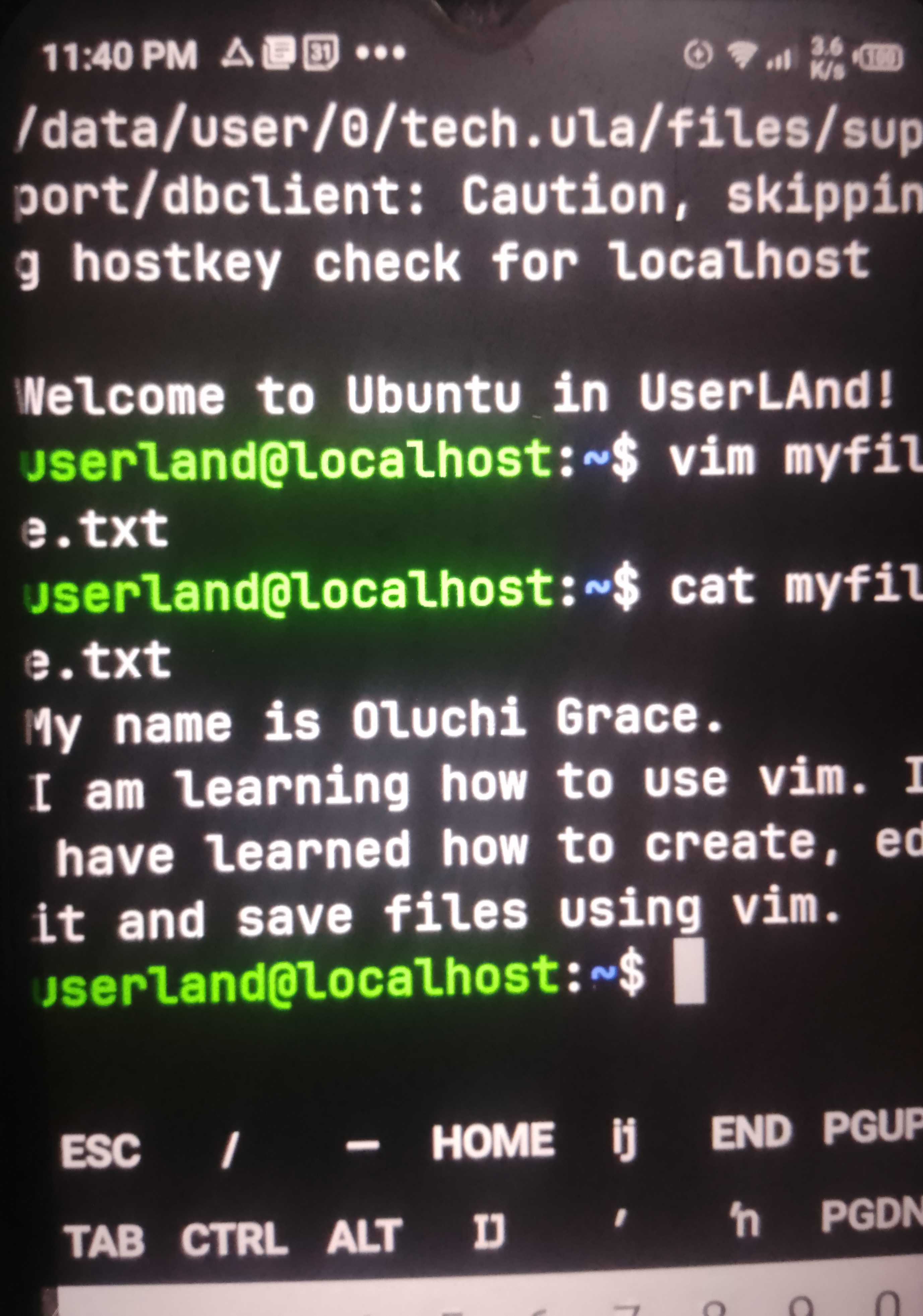
I used Vim to create a text file called myfile.txt. I pressed the i key to enter Insert Mode, where I typed three lines of text. After typing, I pressed the Esc key to return to Command Mode and used :wq to save and exit the editor.
Finally, I used the cat myfile.txt command to confirm that my text was saved correctly.
Through this exercise, I learned that Vim has different modes for performing different tasks. Insert Mode allows me to type and edit text, while Command Mode allows me to execute commands such as saving and quitting. I also learned how to create and manage files using Vim.
#vim #insert # mode #learned
insertvimlearned
44
No comments yet. Be the first to comment.