Practicing File Operations in the Terminal
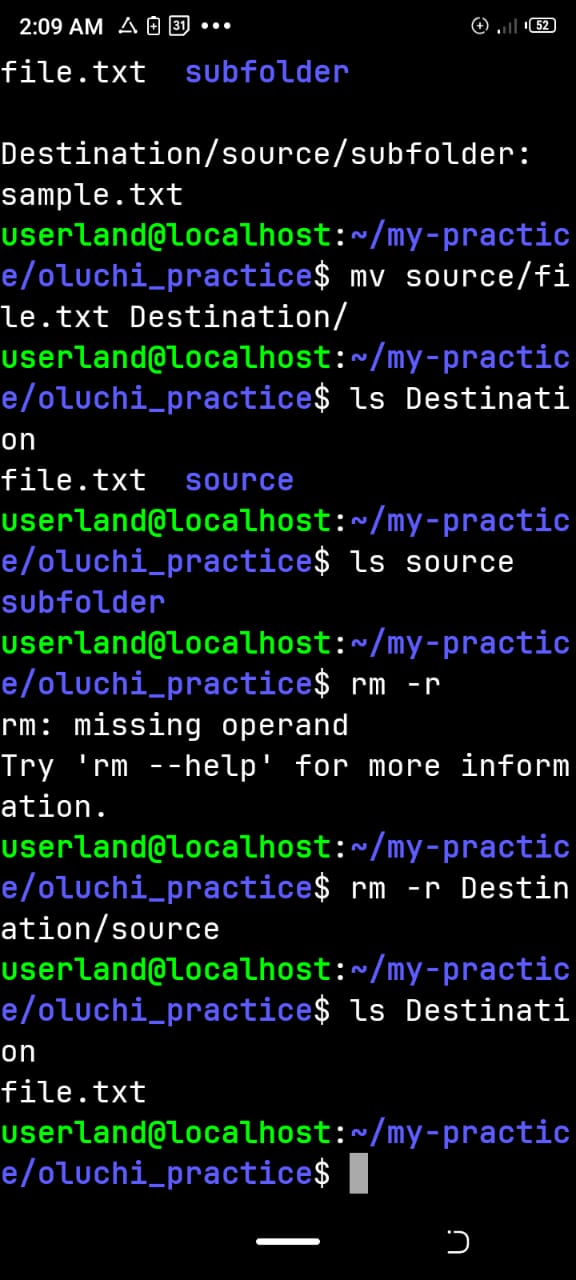
*Differences among cp, mv and rm
cp means Copy - it Creates a duplicate of a file or directory, it does not leave the original file in its previous location.
mv means Move - To Transfers or renames a file or directory from one location to another.
rm means Remove - To Deletes files or directories.
rm means remove.
-r means recursively delete the directory and everything inside it.
Source is the directory being copied.
Destination/ is where the copy will be placed.
My Learning Experience
During this practical exercise, I learned how to copy directories recursively using cp -r, move files between directories using mv, and delete directories and their contents using rm -r. I also learned how to verify my operations using the ls command.
I now understand the differences between these three commands. The cp command creates a duplicate, mv transfers files from one location to another, while rm permanently removes files or directories. This exercise helped me improve my understanding of basic Linux file and directory management.
#cp #mv #rm #learned