
Editing My First File in Nano
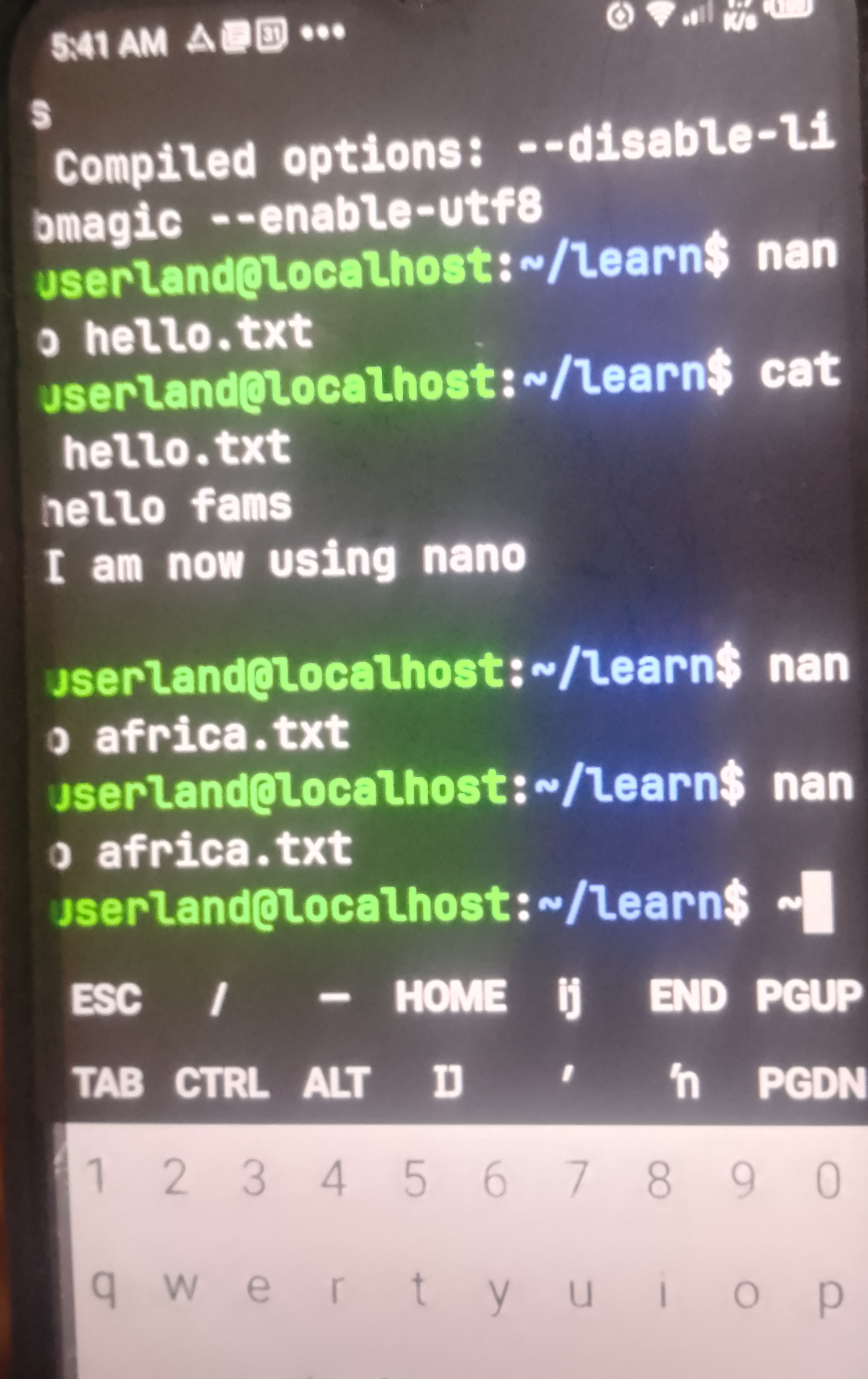
Using Nano was a simple way to create and edit a text file directly from the terminal. I learned how to enter text, save my work using Ctrl + O, and exit using Ctrl + X. Unlike a graphical editor, Nano does not have many visible buttons or menus, so I had to remember the keyboard shortcuts.
Compared to a graphical editor, which is easier to navigate with a mouse, Nano is faster and useful when working in a command-line environment. This exercise helped me understand that I can create, edit, and save files without leaving the terminal.
#nano #learned
nanolearned
58
No comments yet. Be the first to comment.