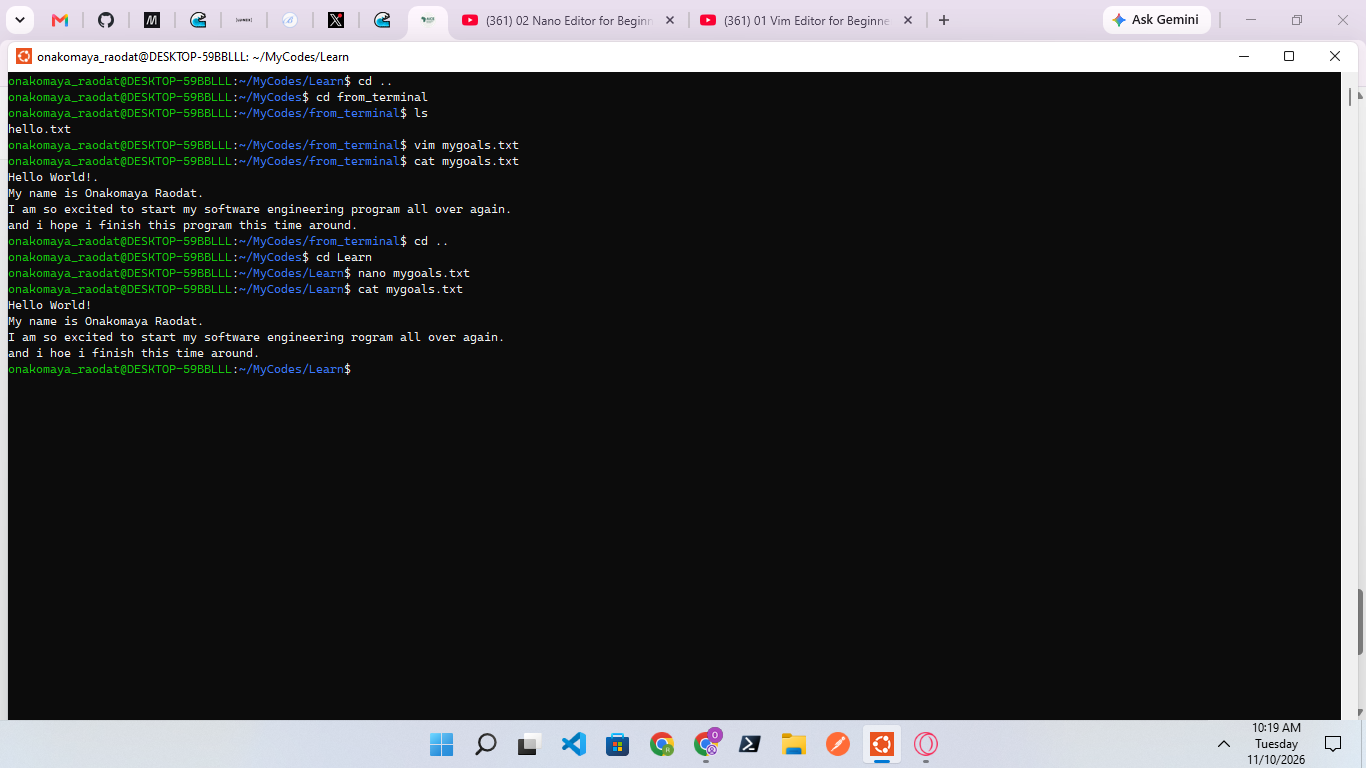
Comparing Vim and Nano
I created a file using Vim, entered insert mode, and wrote down my goals for this training. I pressed Esc to return to command mode, saved the file, and used cat to check its contents. I then created another file using Nano, wrote down my goals, pressed Ctrl + O to save, and Ctrl + X to exit. Finally, I used cat to confirm the contents of the file.
I learned how to create, edit, save, and view files using both Vim and Nano. Both text editors are useful, but I found Nano easier to use because its keyboard shortcuts are displayed on the screen, making them easy to remember. With Vim, I need to know the commands and understand how to switch between modes to use it effectively. I also learned that both editors can be used to create and manage text files directly from the terminal.