My First File in Vim
For my first assessment, I practiced using vim to create and edit files directly from the terminal.
Here are the steps I followed:
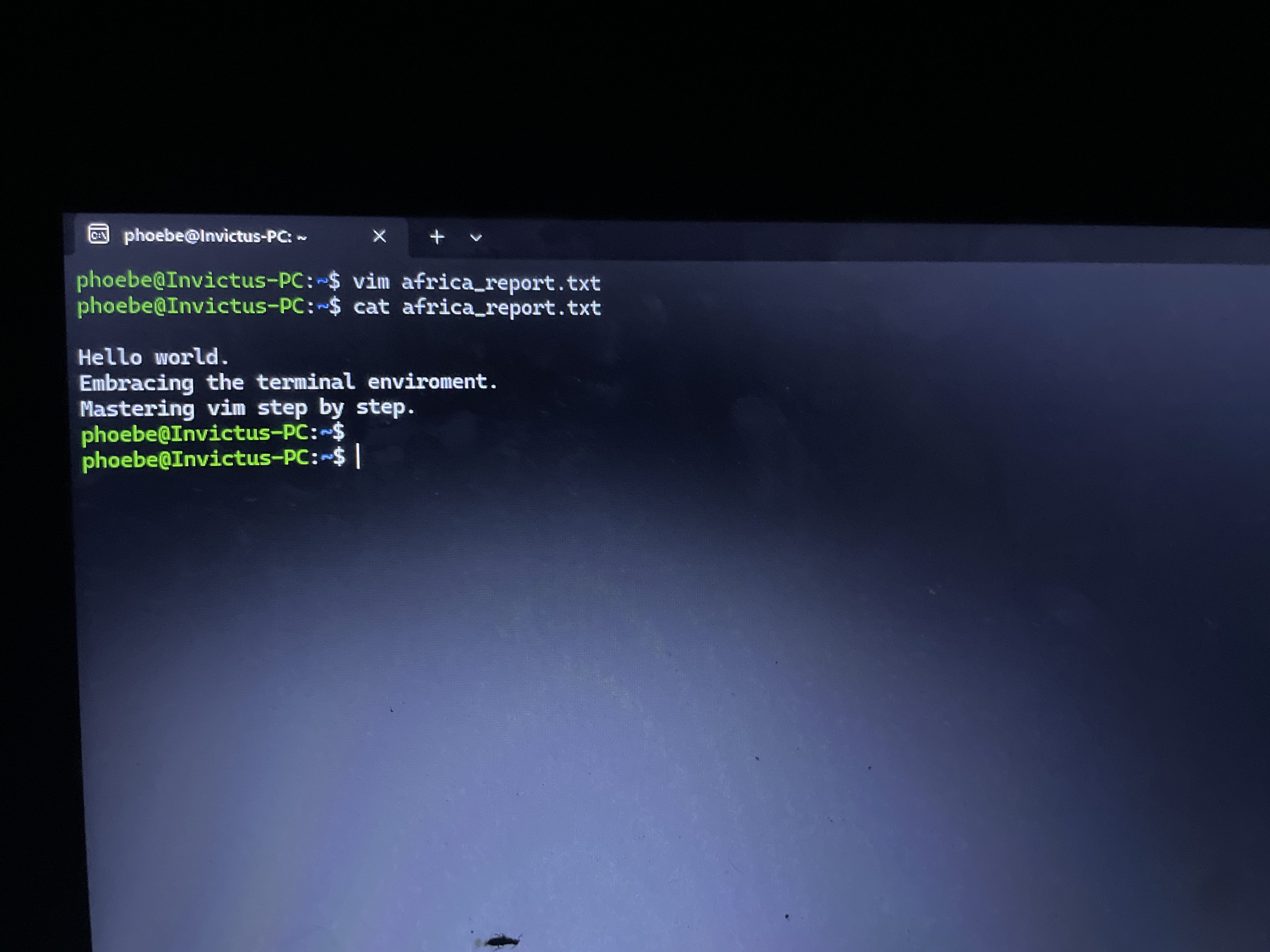
1. Opened a new file using vim africa_report.txt.
2. Pressed i to enter Insert Mode so I could write my text freely.
3. Wrote three lines of content, then pressed Escape to return to Command Mode.
4. Saved and exited by typing :wq and pressing Enter.
5. Confirmed the file contents using cat africa_report.txt.
What I Learned:
What I learned most from this task is the importance of Vim's design. Unlike regular text editors where you can type immediately, Vim separates navigation (Command Mode) from writing (Insert Mode). While it feels unusual at first, understanding how to switch smoothly between these modes is a powerful skill.
#Vim #insert mode #learned