Editing My First File in Nano
For my second assessment, I practiced using nano to create and edit a file directly from the terminal.
Here are the steps I followed:
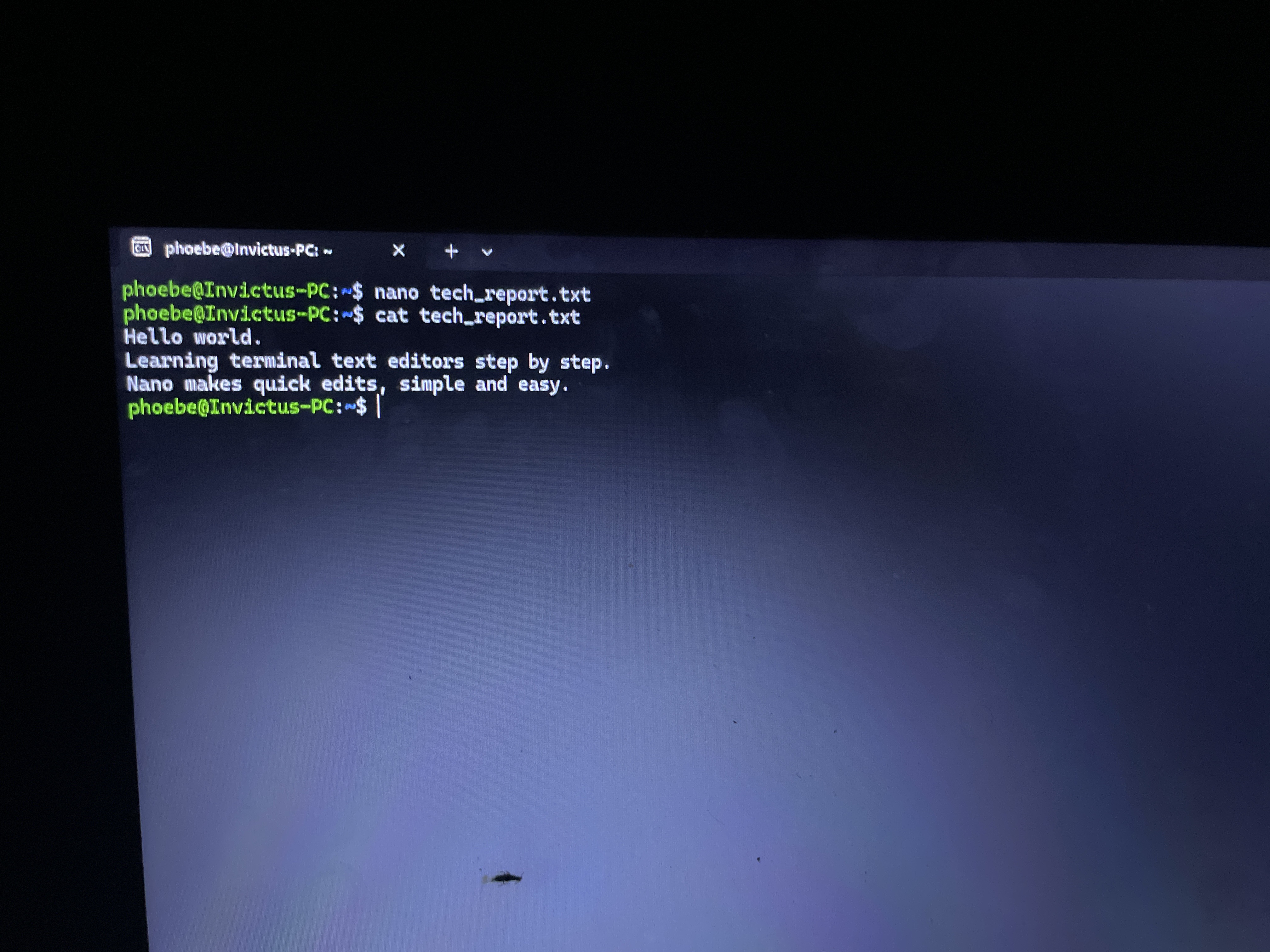
1. Opened a new file using nano tech_report.txt.
2. Started typing my content immediately without needing to switch any modes.
3. Saved the file by pressing Ctrl + O and hitting Enter.
4. Exited nano by pressing Ctrl + X.
5. Confirmed the file contents using cat tech_report.txt.
What I Learned:
What I learned most from this is how much friendlier and easier nano feels for quick edits. Since I am still getting used to the terminal, not having to worry about switching modes just to type made it super simple. Compared to using a graphical editor with a mouse, doing it right inside the terminal felt really fast and straightforward because all the shortcuts are visible right at the bottom of the screen.
#nano # learned