
Organizing My First Project Folder
I practised some basic Linux commands by creating my first project folder and a text file inside it.
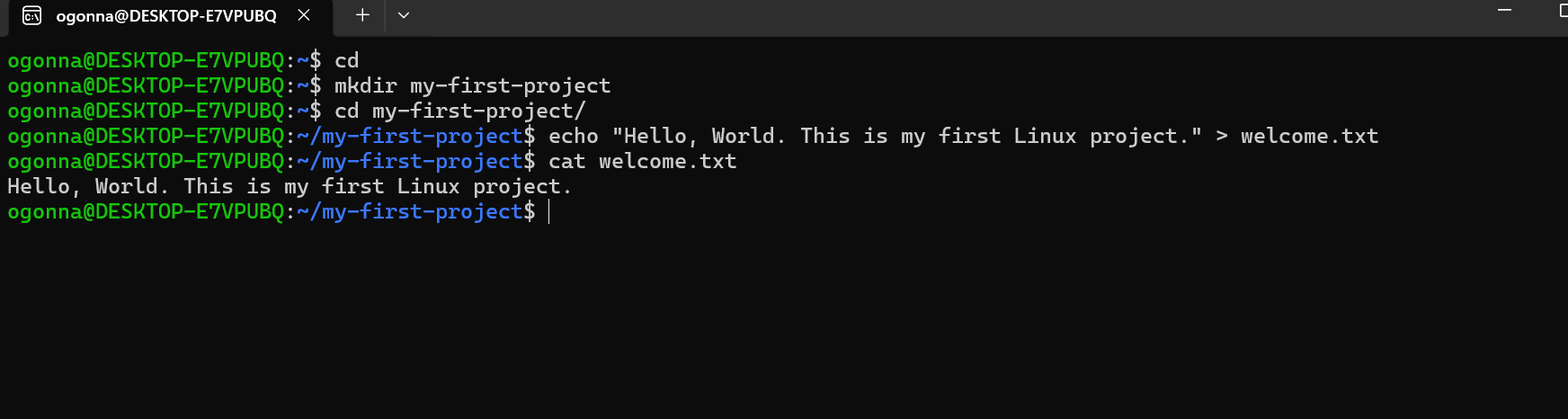
I started with mkdir to create a directory called my-first-project. Then I used cd to enter the folder.
Next, I used echo to write a message into a file called welcome.txt. Finally, I used cat to display the content of the file in my terminal.
Here is what I learned:
- mkdircreates a new directory.- cdhelps me move into a directory.- echoallows me to write text.- >redirects the text into a file.- catdisplays the content of a file.
I learned that I can use simple Linux commands to organize my project files and work with text directly from the terminal.
It was a small exercise, but it helped me understand how these commands work together.
59
No comments yet. Be the first to comment.