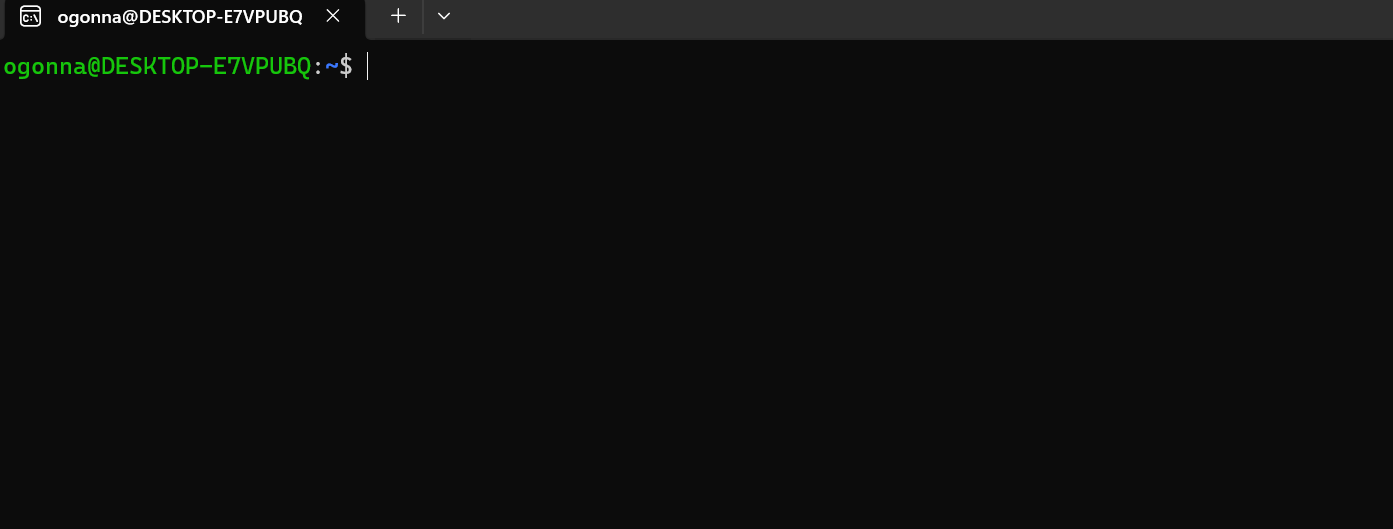
My Terminal Looks Right
I changed my Windows Terminal settings and made Ubuntu my default terminal profile.
I already had Ubuntu installed, but I wanted it to open automatically whenever I launched Windows Terminal instead of having to select it each time.
Here are the steps I followed:
• Opened Windows Terminal.
• Clicked the small dropdown arrow beside the tabs.
• Selected Settings.
• Clicked Startup.
• Located Default profile.
• Selected Ubuntu from the list.
• Clicked Save.
And that's it. Ubuntu now opens automatically whenever I launch Windows Terminal.
I learned that setting a default terminal makes things easier because I can go straight into my Ubuntu environment and start working without selecting it every time.
It's a small change, but one that will make my learning and practice easier as I continue with Software Engineering