Practicing File Operations in the Terminal
Today’s session in the AiCE Software Engineering Foundations bootcamp took me deeper into terminal efficiency — mastering how to manipulate files and folders directly from the command line without ever touching a mouse!
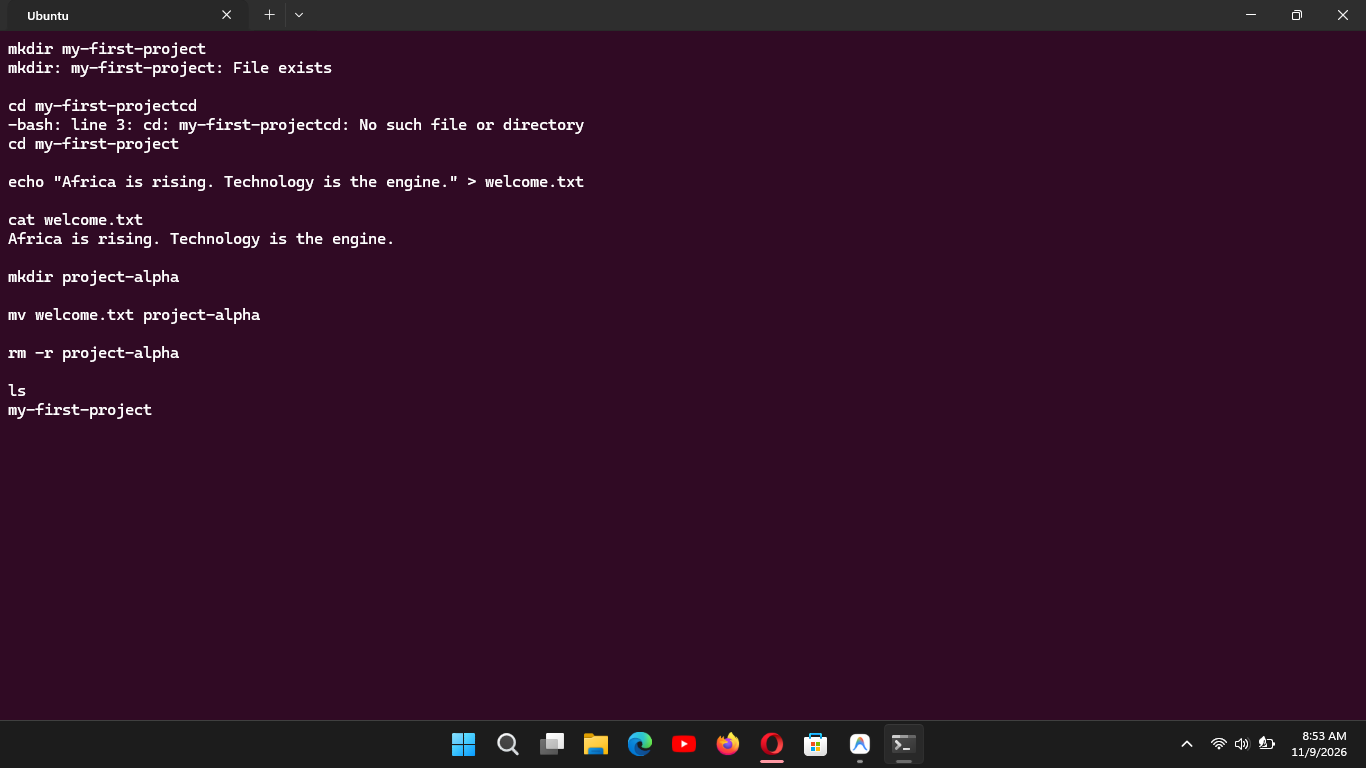
Here is how I completed each operation in today's practical exercise:
Moving a file (
mv): I movednotes.txtinto theproject-alpha/directory using:mv notes.txt project-alpha/Unlike copying, this removes the file from its source and relocates it into the destination.Copying a directory recursively (
cp): To duplicate the entireproject-alphadirectory into a new folder calledbackup-project, I used the recursive flag (-r):cp -r project-alpha backup-projectWithout the-rflag, the terminal throws an error because directories require the system to step inside and copy all contents level by level.Deleting a directory recursively (
rm): To permanently remove the backup directory and everything inside it, I ran:rm -r backup-projectBecause the terminal has no Recycle Bin or Trash can, deleting withrmis permanent and instant!
#cp #rm #mv #learned