Finding My Way Around the Terminal
When you open a terminal for the first time, it’s just a blank screen with a blinking cursor. Without visual folders or a mouse, how do you know where you are or how to get around?
In today's practical lab with the AiCE Software Engineering Foundations bootcamp, I put core navigation commands to work. Here is how I navigated the file system:
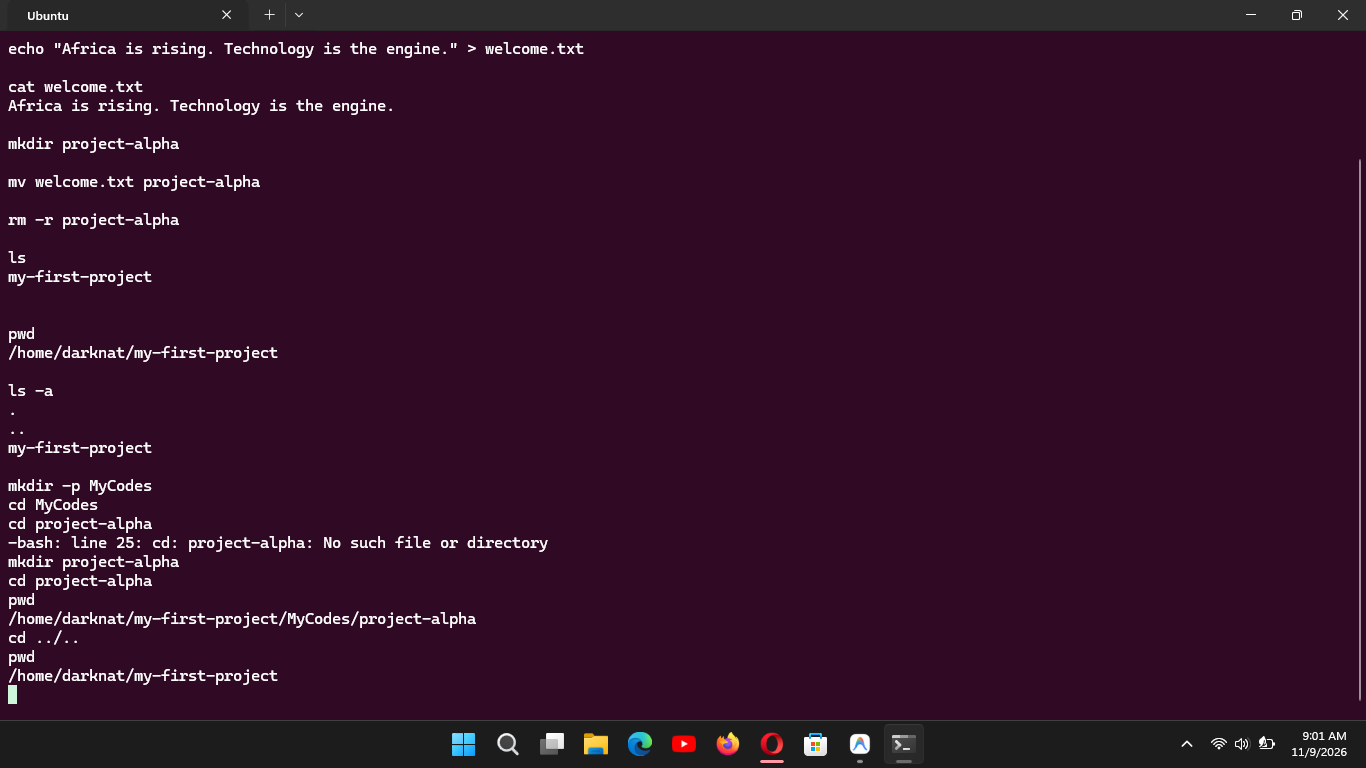
Checking my location with
pwd:pwd("print working directory") acted like my GPS. It printed my exact location starting all the way from the root directory (/home/yourname).Revealing hidden files with
ls: Usingls -a, I listed everything in my current location, including configuration files hidden by default (files beginning with a dot.). It’s fascinating how much goes on behind the scenes in Linux!Moving between folders with
cd: Usingcd("change directory"), I navigated intoMyCodesand then deeper intoAfricaTechHub. To return straight back to my original starting directory, I usedcd ../..— where each..represents moving up one level to the parent folder.
#pwd #cd #ls #learned