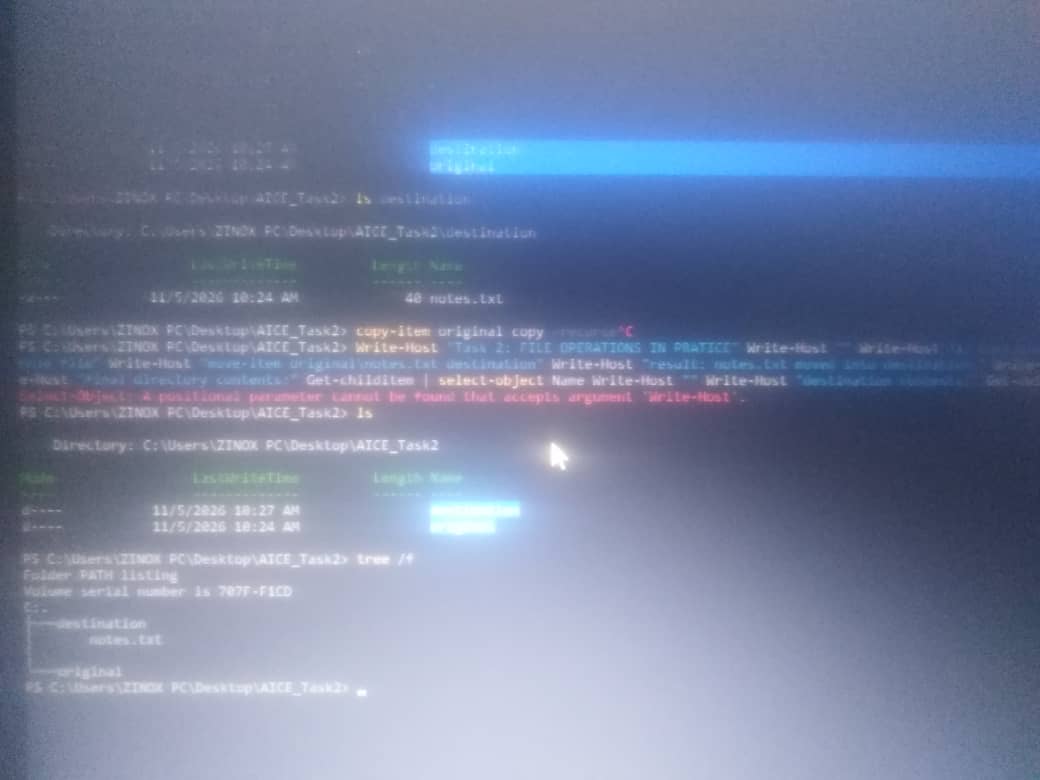
Practicing File Operations In The Terminal
In this exercise, I learned how to copy, move, and delete files and directories using PowerShell commands.
First, I created a folder named "AICE_Task2" and entered it. Inside it, I created another folder called "Original". I then used the "echo" command to create a file named "notes.txt" inside the "Original" folder and wrote a message in it.
To copy the entire "Original" folder, including its contents, I used:
"Copy-Item Original Copy -Recurse"
Next, I created a folder named "Destination" and moved "notes.txt" from the "Original" folder into it using:
"Move-Item Original\notes.txt Destination"
Finally, I deleted the copied "Copy" folder and all its contents using:
"Remove-Item Copy -Recurse"
I used the "ls" and "tree /F" commands to check and display the final folder structure.
What I learned: I learned that copying creates another version of a file or folder while keeping the original, moving transfers an item from one location to another, and removing deletes an item. I also learned how to use "cp", "mv", and "rm" in Ubuntu and their corresponding PowerShell commands: "Copy-Item", "Move-Item", and "Remove-Item".