Organizing My First Project Folder
In this practical exercise, I learned how to create and organize a project folder using terminal commands.
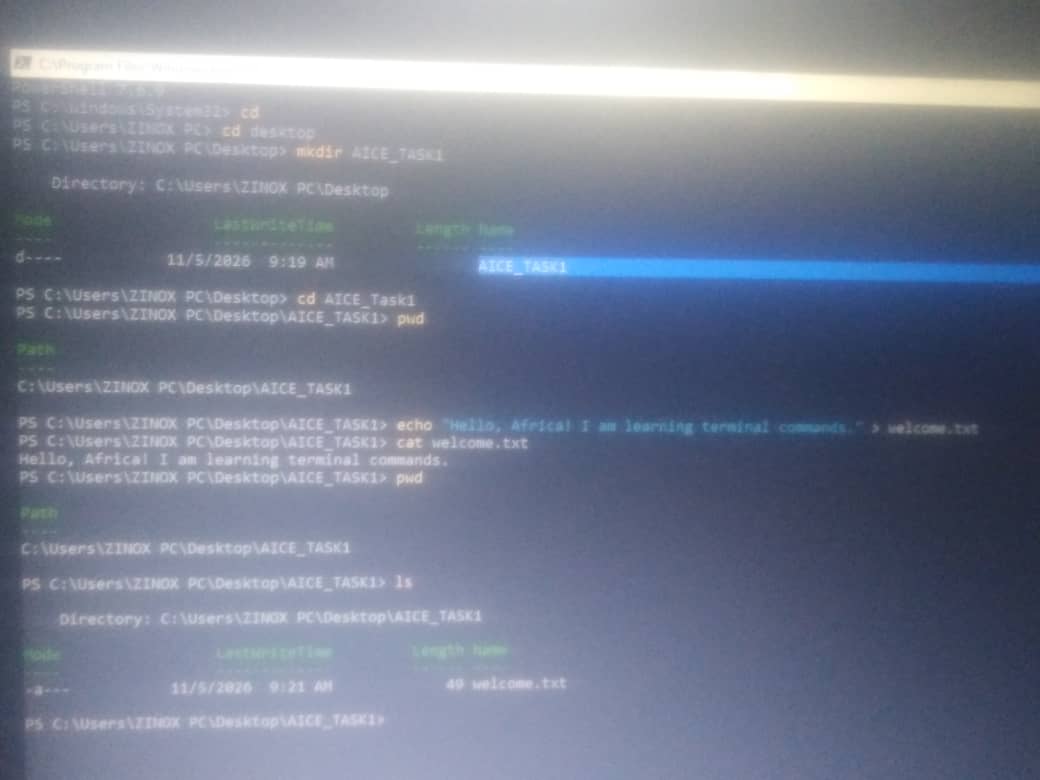
First, I used "mkdir AICE_Task1" to create a new directory on my Desktop. I then used "cd AICE_Task1" to enter the newly created folder.
Next, I used the "echo" command to create a text file named "welcome.txt" and write a message inside it:
"echo "Hello, Africa! I am learning terminal commands with AICE." > welcome.txt"
Finally, I used "cat welcome.txt" to display the content of the file in the terminal.
What I learned: I learned how to create directories using "mkdir", navigate into them using "cd", write text into a file using "echo", and display file contents using "cat". This practical helped me understand basic file and folder organization in the terminal