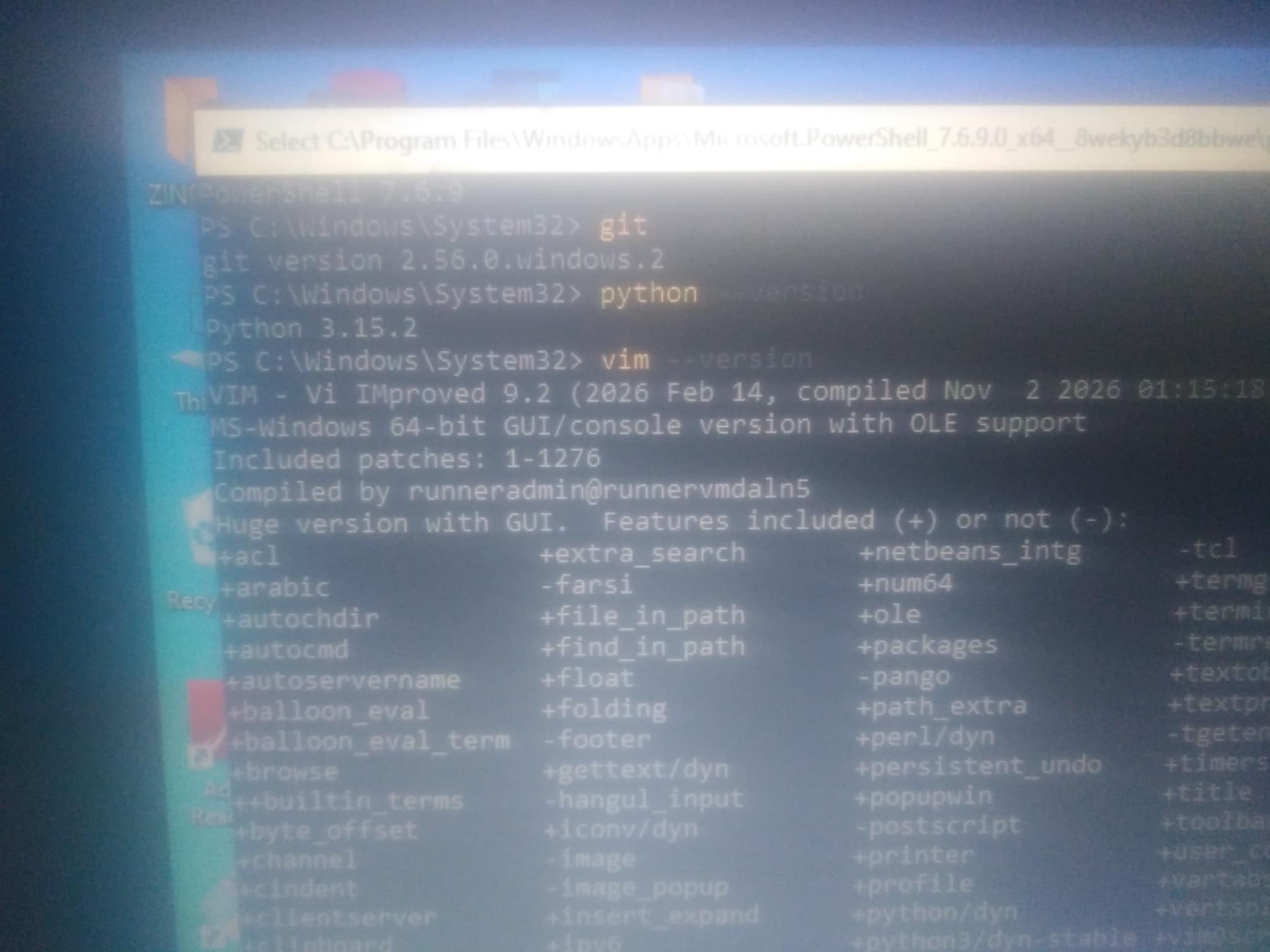
My Packages Are Installed
Right after i went through the process of successfully installing my powershell, i was able to open the terminal successfully
And just like we were instructed, i ran my cd command on my terminal which took me to my window pc, then i ran a code to which i was fully able to install my packages
Installing git
Firstly i installed my gìt, using scoop install git
After it successfully ran some codes to which i was able to successfully install my git using my powershell terminal
Then i ran git --version to see if it was successful and it was cause i was able to see the version
Installing python
After successfully installing my git, i moved to install python but i had a little error issue cause rather than installing python alone, i kept trying to install python3 but it kept failing...
It took my severalminutes of total concentration in the tutorial videos that i was finally able to install python not python3...
This was my most difficult package installation among the 3 packages listed
I also ran my python --version to confirm and it was a success!
Installing vim
After installing python, vim was alot eaiser to install and i was able to run my vim --version which was a success of course
In general, the experience was amazing and i can't wait to work with these packages
Pls also note that it is necessary to have your data on to be able to install these packages successfully!
#git #python #vim