Finding My Way Around The Terminal
In this practical exercise, I learned how to check my current location, list directory contents, and navigate between folders using terminal commands.
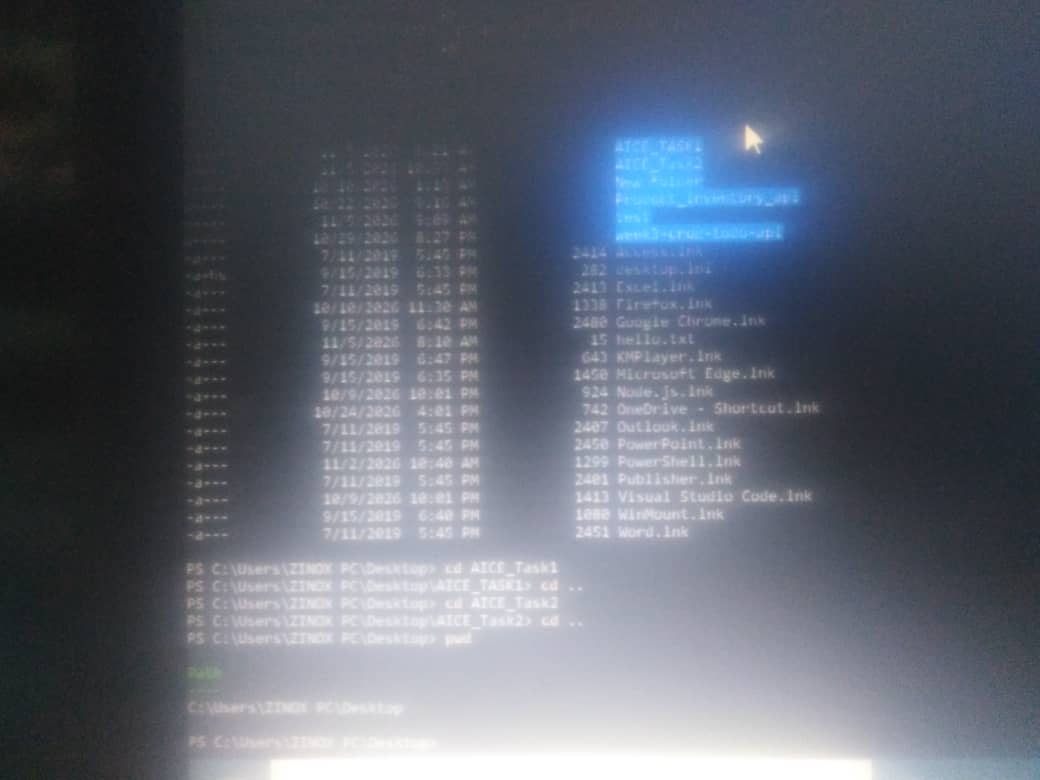
First, I used "pwd" (Print Working Directory) to display my current location. I then used "ls -Force" to list the contents of my Desktop, including hidden files and folders.
Next, I used the "cd" (Change Directory) command to navigate into my first practice folder, "AICE_Task1". I used "cd .." to return to the Desktop. After that, I entered my second practice folder, "AICE_Task2", and used "pwd" to confirm my location. Finally, I used "cd .." to return to the Desktop and "pwd" to verify that I was back at my starting location.
In Ubuntu, "ls -a" is used to display hidden files, while PowerShell uses "ls -Force" for a similar purpose.
What I learned: I learned how to check my current directory using "pwd", list files and folders using "ls", and navigate between directories using "cd". I also learned that some commands and options differ between Ubuntu and PowerShell, even when they perform similar operations.
These practical exercises improved my understanding of terminal commands, file management, and directory navigation.