Editing My First File in Nano
Nano
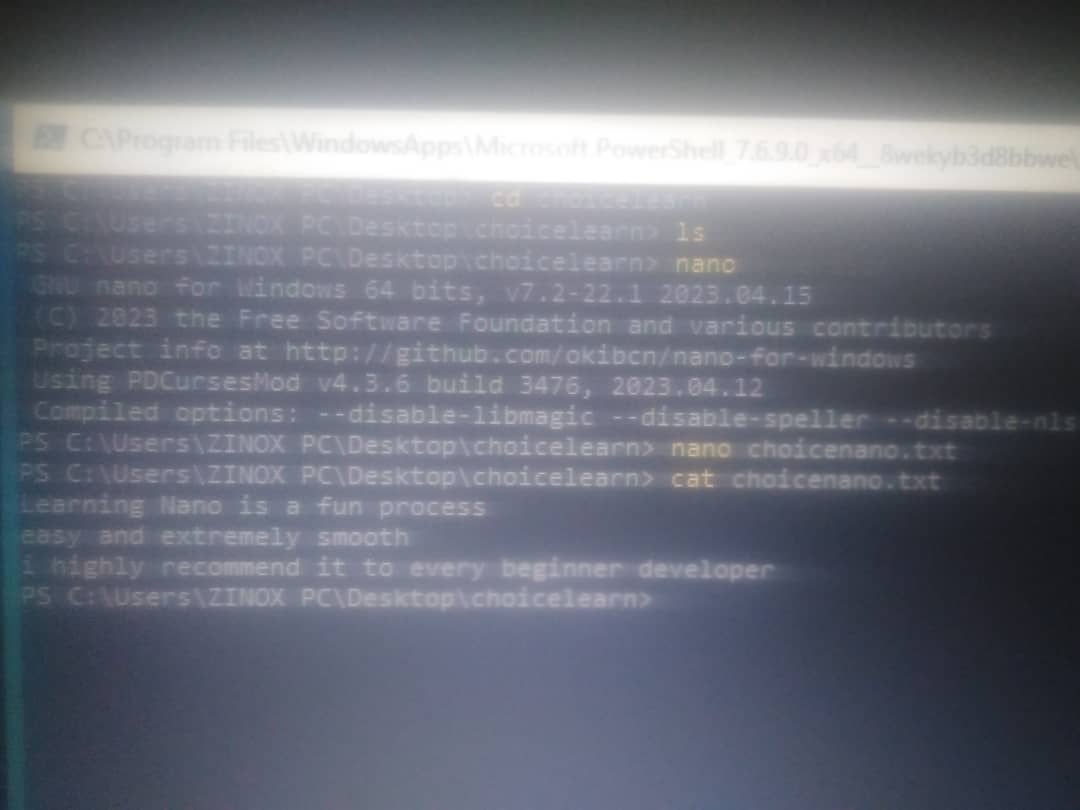
To open nano on my Powershell terminal, i first had to install nano using *scoop install nano*, then after the installation process, i went ahead to check if it was successful using the nano --version to which i was able to get the version number
Then i went ahead to create my file folder using nano choicenano.txt and i successfully able to create my file folder inside my nano
After inserting my message, i saved with ^0 which means Ctrl+0 and then i pressed enter before existing with ^X which means Ctrl+X...
On my terminal, i ran Cat choicenano.txt and i got my messages
Learned
What i learned from this experience ùsing nano for the first time was how stress-free it was
It was also pretty straightforward as well unlike vim
But overall, it was a good experience!