My First File in Vim
My first file in Vim
In this exercise, I used Vim to create and edit a text file directly from the Linux terminal.
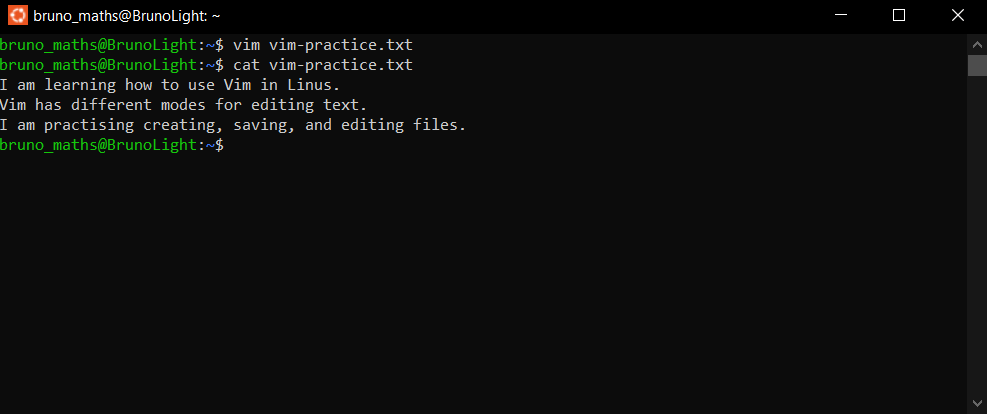
First, I entered vim vim-practice.txt to open a new file in Vim. I pressed the i key to enter Insert Mode, which allowed me to type at least three lines of text into the file.
After entering the text, I pressed the Esc key to return to Command Mode. I then used the :wq command to save my changes and exit Vim.
Finally, I used cat vim-practice.txt in the terminal to display and confirm the contents of the saved file.
What I Learned
I learned that Vim uses different modes for different purposes:
Normal/Command Mode: Used to navigate and execute editing commands.
Insert Mode: Used to enter and modify text.
Command-line Mode: Accessed by pressing
:in Normal Mode; used for commands such as saving and quitting.
This exercise helped me understand how Vim works and how to create, edit, save, and verify text files using a terminal-based editor.