Finding My Way Around the Terminal
This practical task helped me understand how to navigate through directories and explore files using the Ubuntu Terminal.
Activities Carried Out
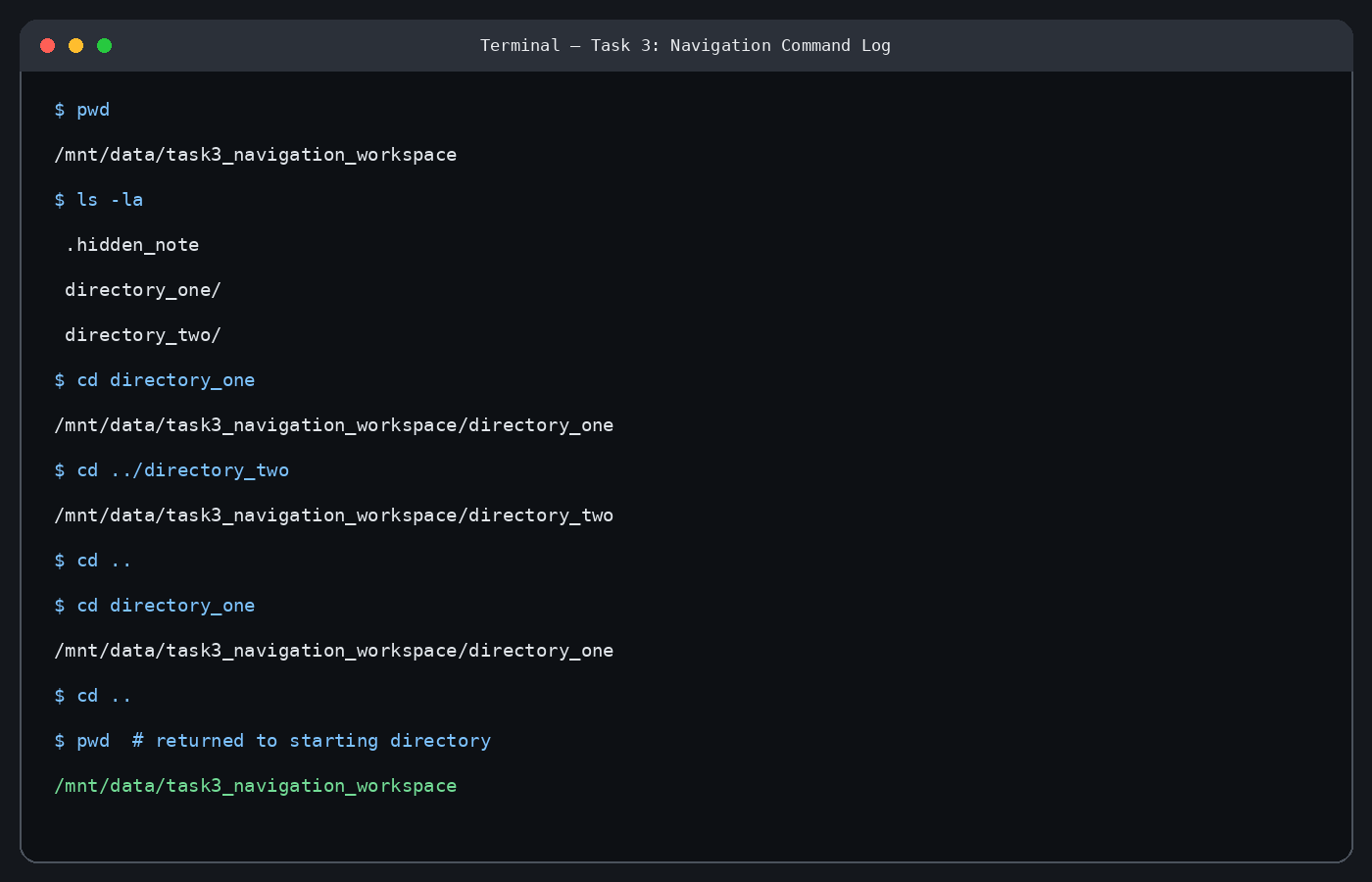
I started by checking my current working directory. I then listed all the contents of the directory, including hidden files. After that, I navigated between two different directories and eventually returned to my starting location.
What I Learned
Through this exercise, I learned the following commands:
- pwd: Displays the current working directory.
- ls: Lists files and directories.
- cd: Allows movement between directories.
I also learned how to use "ls -la" to display hidden files and other directory details.
Conclusion
This task improved my understanding of directory navigation in the Ubuntu Terminal. I became more confident using commands to locate files, explore directories, and move between different folders.